 Australian owned & operated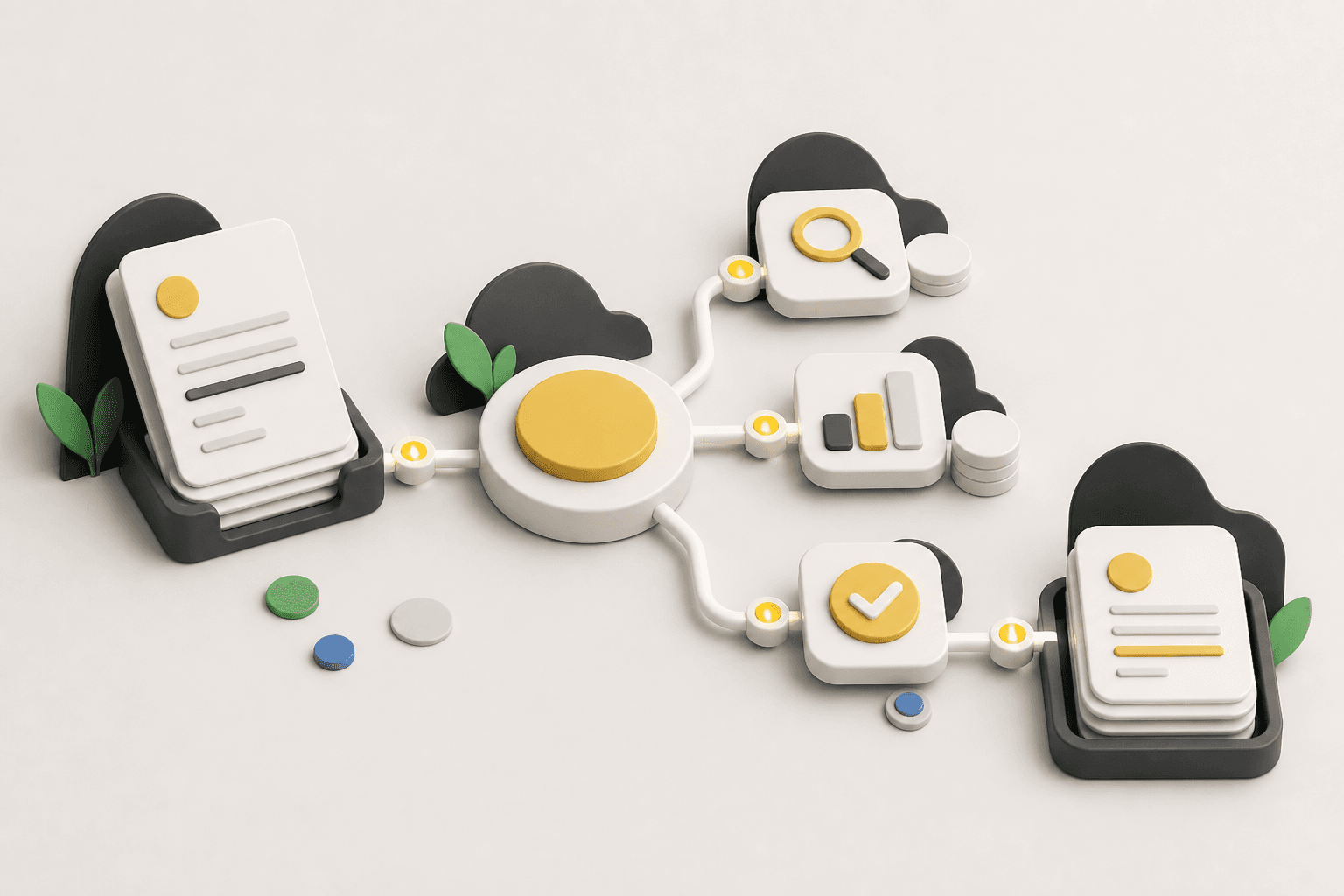
What is an AI agent? A plain-English guide for business owners
May 12, 2026 · 5 min read
If you've heard the term "AI agent" thrown around and quietly wondered what it actually means, you're in good company. The tech industry has a habit of renaming things faster than anyone can keep up. Here's the short version, minus the jargon.
A chatbot answers. An agent does.
Most people's experience of AI is a chat window: you type a question, it types back. That's useful, but it still leaves all the doing to you.
An AI agent is different. It's software that carries out a task from start to finish – on its own, on a schedule or in response to something happening in your business. It doesn't just draft the follow-up email; it notices the quote has been sitting unanswered for five days, writes the follow-up in your tone, sends it from your address, and logs the whole thing in your CRM.
The simplest way to think about it: a chatbot is a very well-read assistant waiting for instructions. An agent is a staff member with a job description.
What that looks like in a real business
Agents are at their best on work that is repetitive, follows rules, and moves information between systems. A few examples from the kinds of businesses we work with:
- Quote follow-ups. A trades business sends dozens of quotes a month. An agent watches which ones go quiet and chases them politely – so jobs stop slipping through the cracks.
- Invoice and data entry. Bills arrive by email, get read, coded and entered into your accounting software, ready for a human to approve. No more re-keying.
- Weekly reporting. Every Monday morning, a summary of last week's sales, jobs or bookings lands in your inbox – pulled from the tools you already use.
- Keeping systems in sync. When a client updates their details in one place, the agent updates them everywhere else.
Notice what's not on the list: judgment calls, client relationships, pricing decisions, anything where being human is the point. Good agents take the busywork so you have more time for exactly that work.
The DIY route vs the managed route
You can absolutely build automations yourself – there are plenty of tools for it. The catch is what comes after the build: prompts drift, integrations break when an app updates, and someone has to notice, diagnose and fix it. For most small businesses, that someone is the owner, at 9pm.
That's the gap a managed agent fills. A provider (like us, at Managed Agents) designs the agent around how your business actually works, connects it to your existing tools, hosts it, monitors it, and updates it when anything changes – the tool, the process, or the agent itself. You get the output. Someone else owns the plumbing.
Which route is right depends on your appetite for tinkering. If you enjoy it and have the hours, DIY is a fine place to start. If you'd rather your hours went to customers, managed is usually the better trade.
Where to start
Don't start with the technology. Start with a list: what does your team do every week that is repetitive, rule-based, and mildly soul-destroying? That list is your automation roadmap – and it's exactly what we work through in a discovery call, no obligation, no tech talk.
Next in this series: Where do the hours go? The hidden admin costing small businesses.